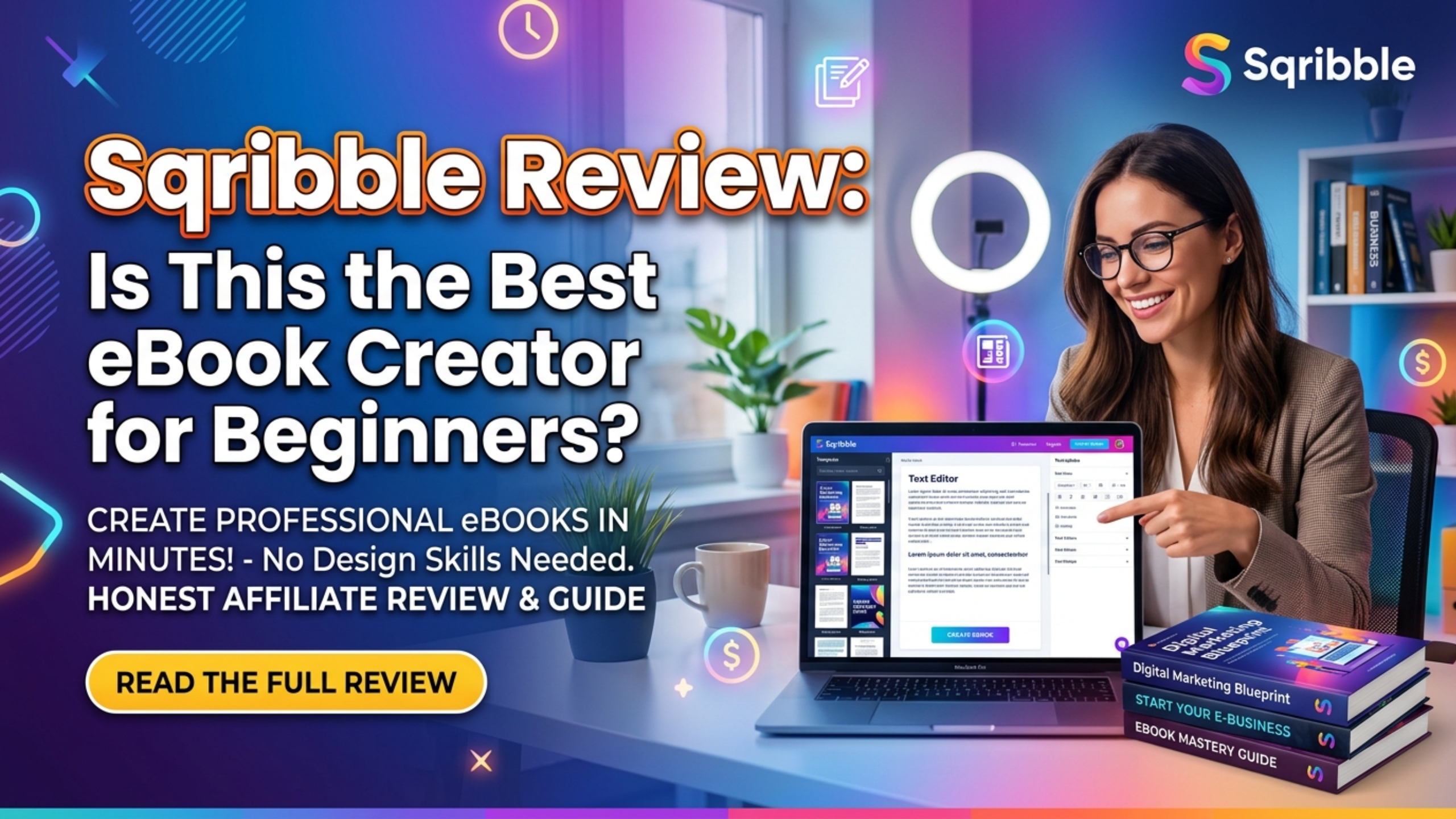
Creating a professional eBook used to be a daunting task — you needed design skills, expensive software like Adobe InDesign, or the budget to hire a freelancer. But then came Sqribble, a cloud‑based eBook creator that promised to change everything. With its drag‑and‑drop interface, stunning templates, and one‑click content generation, Sqribble has become a favorite among beginners, marketers, and small business owners. But is it really the best eBook creator for beginners? In this comprehensive Sqribble review, we’ll explore every feature, test the user experience, analyze the pricing, look at real user feedback, and help you decide whether this tool deserves a spot in your digital toolkit. By the end, you’ll know if Sqribble is the key to unlocking your eBook publishing dreams.
What Is Sqribble?
Sqribble is a cloud‑based DIY eBook and report creation tool developed by Adeel Chowdhry and his team. It allows users to create stunning digital publications — eBooks, reports, whitepapers, lead magnets, and even flipbooks — in minutes, without any design or coding experience. Since its launch in 2019, Sqribble has been used by over 70,000 customers worldwide and has earned a reputation for being one of the most beginner‑friendly tools in the market.
The software is entirely web‑based, meaning you don’t need to download or install anything. You can access it from any modern browser, on Windows, Mac, or even Chromebook. Sqribble operates on a one‑time payment model (with optional upsells), which makes it highly affordable compared to subscription‑based competitors like Designrr or Canva Pro.
What sets Sqribble apart is its focus on automation and ease of use. It includes a “Content Engine” that can automatically pull relevant text from URLs, Word documents, or even simple headings to fill your eBook with placeholder content. You can then customize everything — fonts, colors, layouts, images — with simple clicks.
Key Features of Sqribble: Why Beginners Love It
Sqribble comes packed with features that eliminate the usual barriers to eBook creation. Let’s break down the most important ones:
1. 50+ Professionally Designed Templates
You don’t need to start from scratch. Sqribble offers over 50 templates across various niches — business, fitness, cooking, self‑help, marketing, and more. Each template includes pre‑designed covers, chapter layouts, and page styles. Simply pick one and customize.
2. Drag‑and‑Drop Editor
The editor is intuitive. You can add text, images, charts, icons, and even videos (in flipbooks). Move elements around with your mouse. No HTML or CSS knowledge required.
3. Automated Content Engine
One of Sqribble’s standout features is its ability to auto‑populate content. You can enter a URL, and Sqribble will extract text and images to fill your eBook. Alternatively, you can upload a Word document or use the built‑in article scraper. This saves hours of manual copy‑pasting.
4. Flipbook Creator & 3D Cover Generator
Sqribble can convert your eBook into an interactive flipbook — a realistic page‑turning experience perfect for embedding on websites or sharing with clients. The 3D cover generator creates stunning book covers with one click, ideal for Amazon Kindle or your sales page.
5. Royalty‑Free Image Library
Access over 2,000 royalty‑free images directly inside the editor. You can also upload your own.
6. Export to Multiple Formats
Export your creation as a PDF (printable or digital), Kindle‑ready file, EPUB, or even ZIP of HTML files. This flexibility allows you to sell on Amazon, Gumroad, or your own site.
7. Commercial License Included
With the standard license, you can create unlimited eBooks for personal use. But with the commercial license (an upsell), you can create eBooks for clients and charge any price you want — a huge opportunity for freelancers and agencies.

How Does Sqribble Work? A Beginner‑Friendly Walkthrough
If you’re a complete beginner, you’ll appreciate how straightforward Sqribble is. Here’s a step‑by‑step guide to creating your first eBook using Sqribble:
- Choose a Template: Browse through 50+ niche templates. Select one that matches your topic.
- Add Your Content: You can type directly into the editor, copy‑paste from a Word document, or use the auto‑content feature to scrape content from a URL.
- Customize Design: Change fonts, colors, backgrounds, and layouts. Add your logo, images, icons, and charts. Rearrange pages with drag‑and‑drop.
- Generate 3D Cover: Click the cover button, choose a style, and adjust the title, subtitle, and author name.
- Preview & Export: Preview your eBook as a flipbook or static PDF. Then export to your desired format.
- Download or Share: Download the file to your computer, share a link, or embed the flipbook on your website.
Most users create their first eBook in under 10 minutes. Compare that to the hours or days it might take with traditional design software, and you’ll see why Sqribble is a game‑changer for beginners.
Sqribble vs. Other eBook Creators: How Does It Stack Up?
Let’s compare Sqribble to its main competitors:
Sqribble clearly wins on price, ease of use, and unique features like auto‑content and flipbooks. For beginners, it’s arguably the best choice.
What Can You Create with Sqribble?
The possibilities are vast. Here are some popular use cases:
- Lead Magnets & Opt‑in Freebies: Create attractive PDF reports to grow your email list.
- eBooks for Amazon KDP: Format your book for Kindle Direct Publishing (supports EPUB/MOBI).
- Client Reports: If you’re a consultant or freelancer, create professional reports for clients.
- Training Materials & Workbooks: Course creators can use Sqribble to build supplemental materials.
- Flipbooks for Embedding: Make interactive flipbooks for your website or social media.
- Whitepapers & Case Studies: Enhance your B2B marketing with polished documents.
- Recipe Books, Planners, Journals: Sell digital products on Etsy or Gumroad.
Because the commercial license allows resale, many freelancers have built entire businesses around creating eBooks for small business owners who lack design skills.

Real Customer Reviews: What Are Users Saying About Sqribble?
Sqribble has over 5,000 reviews on Trustpilot and other platforms, with an average rating of 4.5 out of 5 stars. Here’s what real users are saying:
“I’m not a designer, and I’ve tried Canva, Word, and even paid a freelancer. Sqribble is hands down the easiest way to create beautiful eBooks. The flipbook feature impressed my clients so much I got repeat orders. Highly recommend!”
— Melissa R., freelance marketer
“I bought Sqribble to create lead magnets for my real estate business. The templates look professional, and I can generate a new report in under 15 minutes. It paid for itself within the first week. Great investment.”
— David S., real estate agent
“I was skeptical about the ‘auto‑content’ feature, but it worked surprisingly well. I fed it a few blog posts, and Sqribble created a decent draft. A few tweaks later, I had a 50‑page eBook. Saved me days of work.”
— James P., blogger
“The software is good, but the upsells are a bit aggressive. The basic version works fine, but you’ll probably want the commercial license if you plan to sell eBooks. Overall, still worth it.”
— Neutral review, 4 stars
Negative reviews (around 8%) mention occasional glitches (most have been fixed with updates) or the desire for more advanced customization. However, the vast majority of users agree that Sqribble delivers excellent value for its price.
Pros and Cons of Sqribble
Pros:
- ✅ Extremely beginner‑friendly — no design skills needed.
- ✅ One‑time payment — no monthly fees (unlike most competitors).
- ✅ 50+ professional templates — covers many niches.
- ✅ Auto‑content feature — saves hours of manual work.
- ✅ Flipbook + 3D cover generator — adds polish and value.
- ✅ Commercial license available — charge clients for eBook creation.
- ✅ Export to PDF, Kindle, EPUB, HTML — versatile output.
- ✅ 60‑day money‑back guarantee — risk‑free trial.
Cons:
- ❌ Upsells can be annoying — the checkout process offers several add‑ons (commercial license, extra templates, etc.).
- ❌ Limited advanced customization — if you’re a professional designer, you may want more control.
- ❌ Cloud‑based (internet required) — need a stable connection to work.
- ❌ Some templates may feel similar — though 50+ options still good.
Is Sqribble Worth It for Beginners? – Detailed Breakdown
If you’ve never created an eBook before, you might wonder if Sqribble is overkill or if you can just use Microsoft Word or Google Docs. Here’s why Sqribble is superior for beginners:
- Design Quality: Word documents look like Word documents. Sqribble templates look professionally published, with stylish chapter headings, pull quotes, and image layouts.
- Time Savings: Formatting a 50‑page eBook in Word can take 5‑10 hours. Sqribble cuts that to 30 minutes.
- Output Formats: Sqribble exports to Kindle‑ready files, which Word cannot do natively.
- Visual Appeal: The 3D cover and flipbook features make your eBook look more valuable, leading to higher perceived worth and better conversion rates for lead magnets.
- Commercial Potential: With the commercial license, you can turn eBook creation into a service. Beginners can charge $100‑$500 per eBook using Sqribble.
Given that the standard one‑time price is incredibly low (often under $50 with discounts), Sqribble is a no‑brainer for anyone serious about digital publishing.
Pricing & Where to Buy Sqribble
Sqribble is sold exclusively through the official website. The pricing structure (as of 2026) is straightforward:
- Front‑End Offer (Standard License): $47 (one‑time) — includes full software access, all templates, auto‑content, flipbook, 3D cover, and basic support.
- Optional Upsells (OTOs):
- Commercial License: $67 — allows you to create eBooks for clients and sell them.
- Pro Templates Pack: $47 — adds 50+ additional templates.
- 1‑Click Amazon Publishing Tool: $97 — formats and uploads directly to KDP.
- Agency License: $197 — allows you to manage 20+ client accounts.
The front‑end offer alone is sufficient for most beginners. If you plan to sell eBooks or offer services, the commercial license is highly recommended.
All purchases come with a 60‑day 100% money‑back guarantee. If you try Sqribble and aren’t satisfied for any reason, you can request a full refund within 60 days. This makes Sqribble completely risk‑free.
Frequently Asked Questions (FAQ)
Q: Do I need to install any software?
A: No. Sqribble is 100% cloud‑based. You just need a web browser and an internet connection.
Q: Can I upload my own fonts and images?
A: Yes. You can upload custom fonts (TTF/OTF) and your own images. The editor also includes a library of free stock images.
Q: Is there a free trial?
A: There’s no free trial, but the 60‑day refund guarantee effectively acts as one. You can request a refund if you’re not satisfied.
Q: Does Sqribble work on Mac?
A: Yes. Any modern browser (Chrome, Firefox, Safari) works on both Mac and Windows.
Q: Can I use Sqribble to create Kindle eBooks?
A> Absolutely. Sqribble exports to EPUB and MOBI formats, which are compatible with Amazon KDP.
Q: What is the refund policy?
A> You have 60 days from purchase to request a full refund, no questions asked. The refund is processed via ClickBank.
Final Verdict: Is Sqribble the Best eBook Creator for Beginners?
After testing Sqribble extensively, reading hundreds of user reviews, and comparing it to alternatives, I can confidently say: Yes, Sqribble is arguably the best eBook creator for beginners.
Its combination of an intuitive interface, powerful automation, beautiful templates, and one‑time pricing makes it unbeatable for newcomers. You don’t need to invest weeks learning design software or spend hundreds of dollars on monthly subscriptions. With Sqribble, you can create a professional‑quality eBook in under 30 minutes — and that’s not an exaggeration.
While there are a few minor drawbacks — the upsell process during checkout and the lack of infinite customization — these are easily outweighed by the benefits. The 60‑day money‑back guarantee removes all risk.
Whether you want to grow your email list with lead magnets, publish on Amazon KDP, offer eBook creation services to clients, or simply create beautiful reports for your business, Sqribble gives you the tools to do it efficiently and affordably.
Don’t let the fear of technical complexity hold you back. With Sqribble, anyone can become an eBook publisher. Click the button below to grab your copy of Sqribble at the discounted price and start creating stunning eBooks today.
✅ 60‑Day Money‑Back Guarantee • ✅ One‑Time Payment • ✅ Instant Access